Custom automations, tailored to your specific workflows

Custom automations, tailored to your specific workflows

Alentis’ flexible custom automation builder gives you the ability to create powerful AI-assisted tools bespoke to your needs

Alentis’ flexible custom automation builder gives you the ability to create powerful AI-assisted tools bespoke to your needs

WHY IT MATTERS

Rigid legacy tools are holding asset managers and O&M teams back

ERPs were never designed for renewable asset management, and tailoring one to your portfolio means months of consultancy and serious cost.

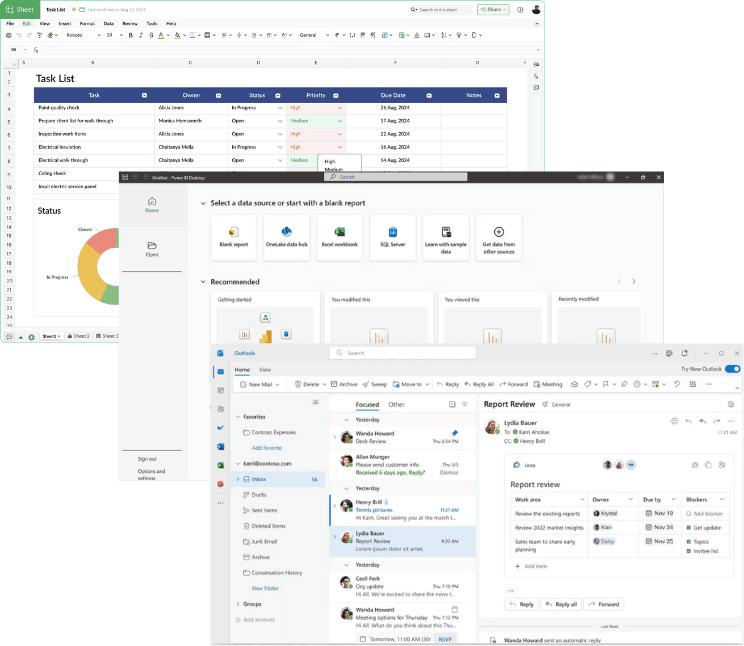
So teams build their own spreadsheets and Power BI dashboards instead. They might work initially, but they're a huge risk and when the portfolio grows or the person who built them moves on they often break.

What if you could build your own tools with ease?

What if you could build your own tools with ease?

Alentis has a complete set of tools for asset managers and O&M teams, but we’ve gone a step further to give you the ability to create your own automations.

From unstructured documents to answers you can rely on – ask a question, get an answer in seconds, with exact sources highlighted in the original document.

Interactive builder interface

Our visual automation builder is accessible and interactive, allowing teams to collaborate together to automate painful processes to help make everyday energy operations effortless.

Multi-step workflows

Create complex multi-step workflows involving emails, spreadsheets, and generation data to allow for ultimate flexibility, including multiple input actions - from file uploads to forwarding an email.

Codify manual processes

Create streamlined, structured data and records from chaos, and make the process accessible to entire teams allowing you to work smarter, not harder.

CLIENTS USING ALENTIS TO BUILD CUSTOM AUTOMATIONS

How our clients use Alentis

Alentis and Repowering London partnership lockup

CASE STUDY

Building a single source of truth at Repowering London

CASE STUDY

Automating the Billing Cycle at Energise South Downs

CASE STUDY

Simplifying Asset Management at Edinburgh Solar Coop
Alentis and Repowering London partnership lockup

CASE STUDY

Building a single source of truth at Repowering London

CASE STUDY

Automating the Billing Cycle at Energise South Downs

CASE STUDY

Simplifying Asset Management at Edinburgh Solar Coop
Book a free demo

Learn how Alentis can power your team with custom tools for every workflow

Get started

Your questions answered

Your questions answered

What kinds of workflows can we build?

>

Anything that follows a repeatable pattern: site onboarding, due diligence checklists, invoice matching, meter reconciliation, purchase order creation, board report generation. Most start as something one person does manually once a month. If you can describe the steps, it can usually be built. Clients currently run everything from single extractions to multi-step chains across email, Excel and generation data.

Do we need a developer to build automations?

>

No. The builder is visual, with instructions, conditional branches and outputs assembled on a canvas rather than written in code. Asset managers and operations leads build their own. Teams can also work on the same workflow together, which matters when the person who knows the process isn't the person setting it up.

What can trigger an automation?

>

A file landing in a synced folder, a document uploaded to a site, a schedule, or an email forwarded to a dedicated inbox. The email trigger is the one most teams start with: forward the monthly meter reading from your DNO and the readings are extracted, appended and reconciled before you've closed the tab.

What file types and data sources can it handle?

>

PDFs including scanned ones, Excel and CSV, emails and attachments, images, and live generation data from meters and monitoring platforms. A single workflow can chain across formats, so a reading that arrives by email can update a spreadsheet and then be checked against your live meter feed without anyone re-keying it.

How long does it take to build a workflow?

>

Simple extractions take minutes. More complex chains involving several formats and conditional logic usually take a session with our team. Once built, a workflow is shared across your organisation rather than living with the person who made it, so the same process runs the same way no matter who triggers it.

What if we need something more complicated than we can build ourselves?

>

You talk to the engineers who built the product, not an account manager. For clients who want to go further, we work as an embedded technology partner, scoping and building custom tooling around your existing operations stack. This is how several of our more involved workflows started.

What kinds of workflows can we build?

>

Anything that follows a repeatable pattern: site onboarding, due diligence checklists, invoice matching, meter reconciliation, purchase order creation, board report generation. Most start as something one person does manually once a month. If you can describe the steps, it can usually be built. Clients currently run everything from single extractions to multi-step chains across email, Excel and generation data.

Do we need a developer to build automations?

>

No. The builder is visual, with instructions, conditional branches and outputs assembled on a canvas rather than written in code. Asset managers and operations leads build their own. Teams can also work on the same workflow together, which matters when the person who knows the process isn't the person setting it up.

What can trigger an automation?

>

A file landing in a synced folder, a document uploaded to a site, a schedule, or an email forwarded to a dedicated inbox. The email trigger is the one most teams start with: forward the monthly meter reading from your DNO and the readings are extracted, appended and reconciled before you've closed the tab.

What file types and data sources can it handle?

>

PDFs including scanned ones, Excel and CSV, emails and attachments, images, and live generation data from meters and monitoring platforms. A single workflow can chain across formats, so a reading that arrives by email can update a spreadsheet and then be checked against your live meter feed without anyone re-keying it.

How long does it take to build a workflow?

>

Simple extractions take minutes. More complex chains involving several formats and conditional logic usually take a session with our team. Once built, a workflow is shared across your organisation rather than living with the person who made it, so the same process runs the same way no matter who triggers it.

What if we need something more complicated than we can build ourselves?

>

You talk to the engineers who built the product, not an account manager. For clients who want to go further, we work as an embedded technology partner, scoping and building custom tooling around your existing operations stack. This is how several of our more involved workflows started.

We use cookies to improve your experience. By continuing, you agree to our cookie policy.